Future-Proof Your Designs with Vector Technology Backgrounds
Visual Characteristics and Design Versatility
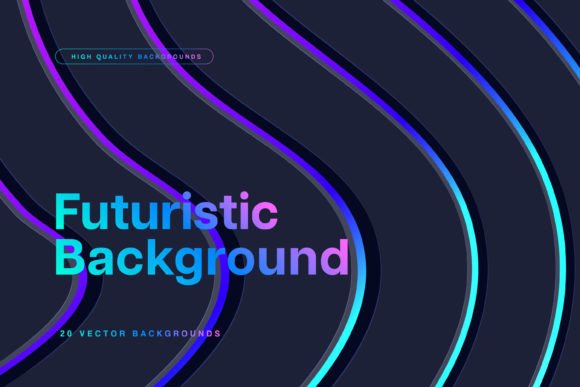
The strength of Vector Technology Backgrounds lies in their resolution and adaptability. Delivered at 300 dpi in JPEG format, they are built for high-end output. This means you are not limited to screen usage. While they excel in web design and social media graphics, the high resolution ensures they look crisp in print design as well. Think about packaging design for tech products, event flyers for conferences, or posters for software launches. The detail remains sharp, preventing the pixelation that often plagues lower-quality assets.
- Digital Interfaces: Use them as app splash screens or website hero images to set a futuristic tone immediately.
- Editorial Design: For magazine covers or blog headers related to AI, fintech, or science, these backgrounds provide relevant context without distracting from the typography.
- Brand Identity: Startups often struggle to look established. Incorporating these elements into business cards or letterheads adds a layer of "tech credibility" that helps build trust.
Integrating Backgrounds into Your Brand Strategy
A background is more than just a space filler; it influences how your audience perceives your brand's visual hierarchy. When you place a sans serif font with clean lines over a complex, glowing circuit background, the contrast creates a focal point. The busy background draws the eye, but the clean typography ensures readability. This interplay is crucial for brand identity. It tells the audience that while the technology behind the brand is complex, the solution the brand offers is clear and accessible.
Practical Application: Pairing and Hierarchy
- Contrast is King: These backgrounds are often dark with light accents. Therefore, light-colored text (white or pale grey) usually works best. Ensure your text has a slight drop shadow or a semi-transparent overlay if the background texture is too busy.
- Font Pairing: Technology backgrounds pair exceptionally well with geometric sans serif fonts. Fonts like Montserrat, Roboto, or Futura complement the angular nature of the vector lines. Avoid overly ornate script fonts or handwritten fonts, as they can clash with the technical aesthetic.
- Testing for Readability: Before finalizing a design, squint your eyes at the screen. If the text blurs into the background, you have a readability problem. You may need to darken the background image in Photoshop or Illustrator or place a colored shape behind your text to create separation.
Choosing the Right Asset for the Job
For logo design, be cautious. A detailed background can overshadow a logo. If you are creating a mockup for a logo presentation, use a background with a large area of negative space or blur the background significantly so the logo remains the hero. Conversely, for a full-page ad or a desktop wallpaper, you can embrace the full detail of the vector artwork.
Final Thoughts on Elevating Your Design Assets